Use Edge for work links and Safari for personal links on Mac
Two browsers are easy to keep apart until the links arrive. A message opens a company dashboard in the personal browser, a meeting link lands in the wrong profile, and a work address has to be copied across by hand.
Reroute sorts links by domain. It registers as the default browser for macOS, reads the domain of every link the system hands it, and opens that link in the browser you picked for that domain.
The setup, once
- Open Reroute. From its menu bar icon choose Set as default browser, or accept the same offer when macOS asks.
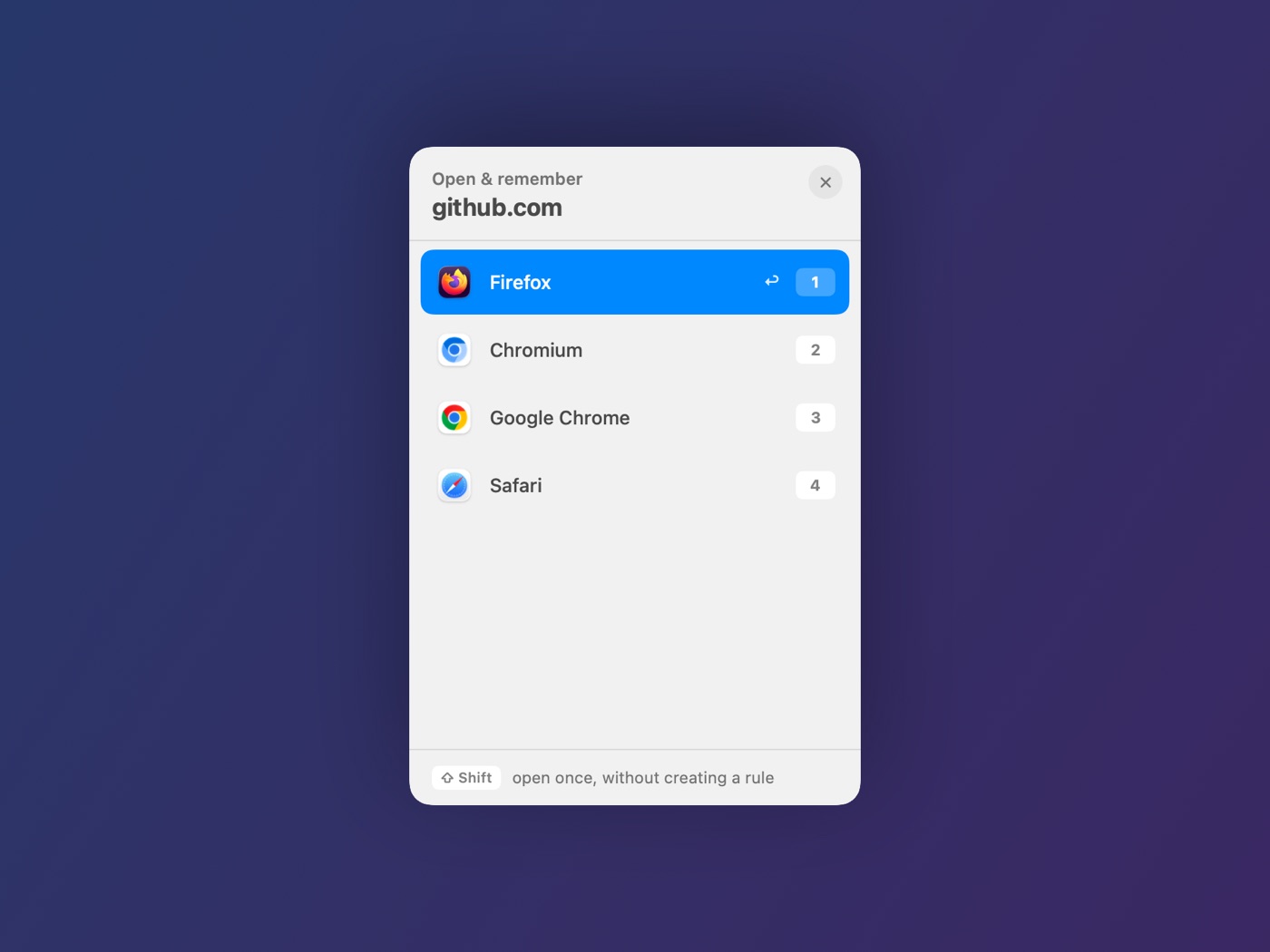
- Click a work link — a company dashboard, for example. The picker appears with the header Open & remember and lists your installed browsers.
- Click Edge. The link opens there, and the rule is saved on the spot.
- Click a personal link and choose Safari the same way.
That is the whole setup. From now on those two domains route themselves, and the picker only appears for a domain that has no rule yet.
Opening a link just once
Hold ⇧ Shift while the picker is open. The header turns orange and reads “open once, without creating a rule”, so a one-off link goes where you want without changing anything you saved earlier.
What a rule covers
A rule is stored for the registrable domain, so a rule for example.com also covers mail.example.com and docs.example.com. This is deliberate: one rule covers a whole company.
It also means subdomains of one domain cannot be split between two browsers — typing mail.example.com into the rules window saves a rule for example.com.
Domains with a compound suffix are handled properly: bbc.co.uk is one domain, not co.uk, and a site on a hosting suffix such as example.github.io keeps its own rule.
A domain that should always ask
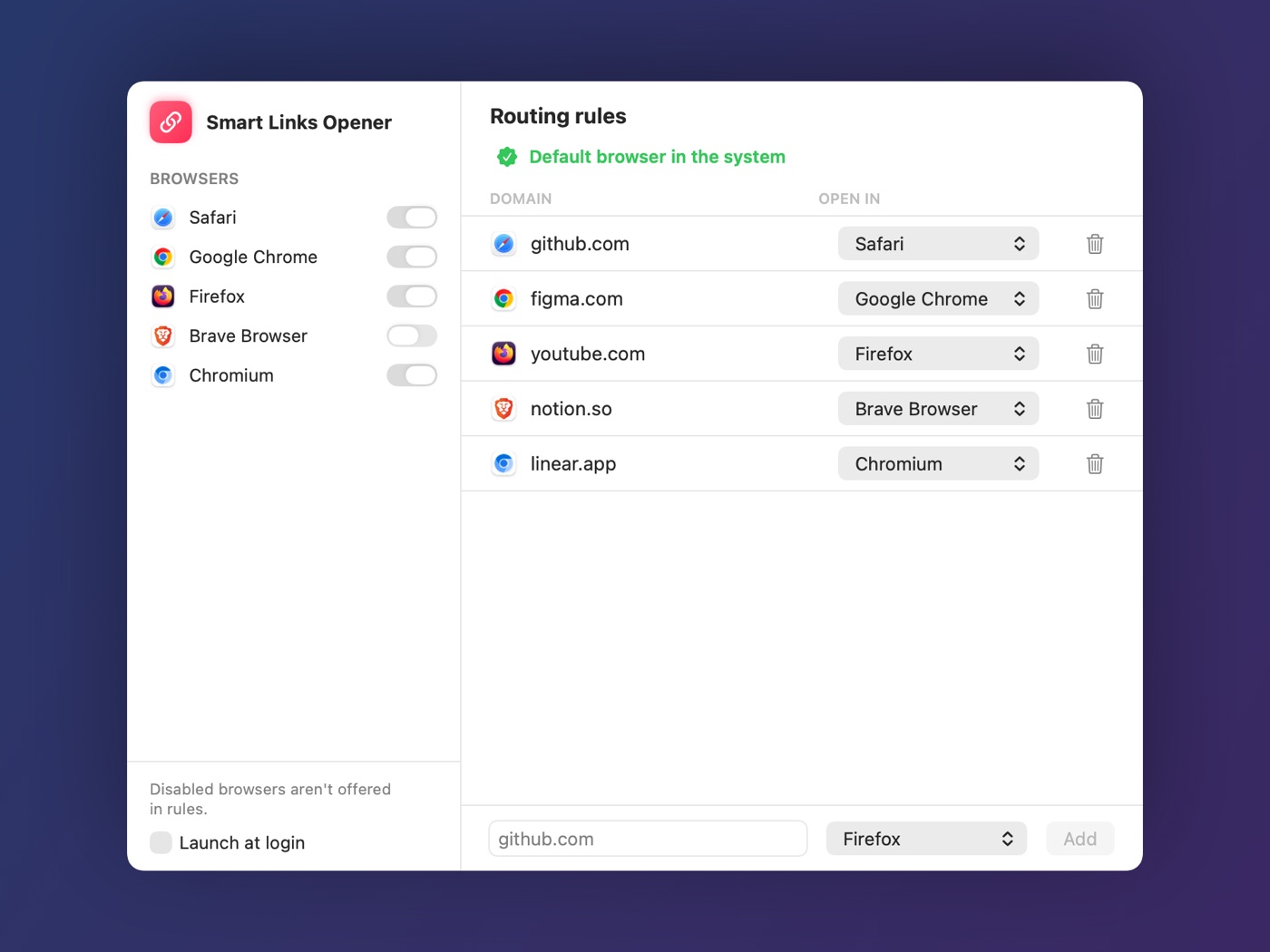
Open Rules… from the menu bar icon (⌘,) and set that domain’s browser to Always ask. The picker then appears every time and never replaces the rule with your last choice — useful for a domain you open in different browsers for different reasons.
The same window searches by domain, edits or deletes a rule, and adds one by hand.
What stays on the Mac
Rules are kept in the app’s own preferences on your Mac. Reroute has no account, collects nothing and sends nothing anywhere. It sees a link only because macOS passes links to the default browser, and its whole job is to hand that link to the browser you chose.
Reroute for macOS
A one-off purchase, $1.99. No subscription, no accounts, no in-app purchases.
View on Mac App Store